
VISISTREAM FOR / 7.2
Coworking Spaces and Business Centres
Shared spaces, consistently recognisable information.
Present events, services, availability and directions for people working at or visiting the business centre.
Let's talk about your business ↗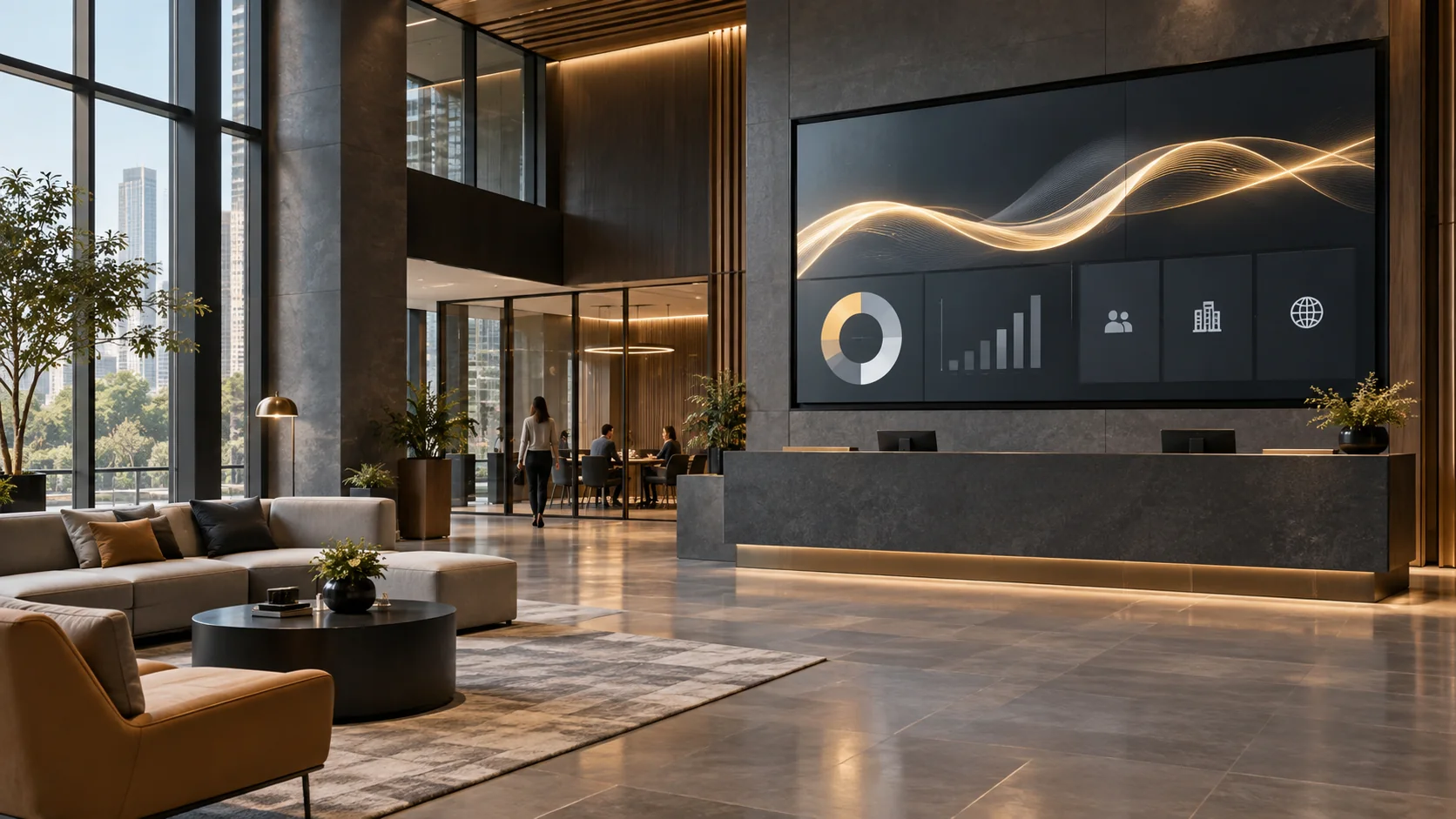
Reception, corridors and shared areas.
Graphics, videos, messages and content scheduling.
Commissioned production, a dedicated channel or ongoing management.
SEE IT TO PICTURE IT
A screen,
in your context.
Two static layouts to explore content hierarchy. Graphics, dimensions, languages and information can be customised.
Welcome to your space
Rooms, services and community events. The reception panel helps guests and professionals use shared spaces.
A day of communication
At opening time, the channel presents general information. During the day, the schedule alternates available rooms, bookings, events. At the end of the scheduled time slot, the next set of content takes over.
When information changes
The coordinator updates the content and defines its validity. The screens included in the project receive the message; its title and summary help distinguish the update from routine information.
Networking at 18:00
Meet in the lounge area. The coworking channel presents the programme and explains how to take part.
ALL APPLICATIONS FOR THIS SECTOR
14 ways to
communicate better.
Each application describes a need, a service approach and a content example. Open the cards relevant to your business.
01Available rooms
+
Content focused on “Available rooms”, with essential information, a time reference and clear guidance for the people on site.
How we set it up
We define the audience, the screens involved and the message duration. We prepare a visual template with a title, main content and a summary; we agree on who approves updates and when the content must be replaced.
The intended outcome
Reduce scattered communications and help people respond more quickly.
Available rooms
Available rooms. Current status: information updated; details and required action visible on screen. Required action: read the update and take the indicated action. Last updated: 10:35. Next check: 10:50.
Layout and data are adapted to your business.02Bookings
+
Content focused on “Bookings”, with essential information, a time reference and clear guidance for the people on site.
How we set it up
We define the audience, the screens involved and the message duration. We prepare a visual template with a title, main content and a summary; we agree on who approves updates and when the content must be replaced.
The intended outcome
Reduce delays, questions to staff and attendance in the wrong place.
Bookings
Bookings. Current status: programme confirmed; next activity shown with time and location. Required action: go to the indicated place or follow the new sequence. Last updated: 10:35. Next check: 10:50.
Layout and data are adapted to your business.03Events
+
Content focused on “Events”, with essential information, a time reference and clear guidance for the people on site.
How we set it up
We define the audience, the screens involved and the message duration. We prepare a visual template with a title, main content and a summary; we agree on who approves updates and when the content must be replaced.
The intended outcome
Improve audience flow and highlight content, sponsors and services.
Events
Events. Current status: next event confirmed; access and time shown on screen. Required action: reach the room, stage or section before the start. Last updated: 10:35. Next check: 10:50.
Layout and data are adapted to your business.04Businesses on site
+
Content focused on “Businesses on site”, with essential information, a time reference and clear guidance for the people on site.
How we set it up
We define the audience, the screens involved and the message duration. We prepare a visual template with a title, main content and a summary; we agree on who approves updates and when the content must be replaced.
The intended outcome
Reduce scattered communications and help people respond more quickly.
Businesses on site
Businesses on site. Current status: information updated; details and required action visible on screen. Required action: read the update and take the indicated action. Last updated: 10:35. Next check: 10:50.
Layout and data are adapted to your business.05Services
+
Content focused on “Services”, with essential information, a time reference and clear guidance for the people on site.
How we set it up
We define the audience, the screens involved and the message duration. We prepare a visual template with a title, main content and a summary; we agree on who approves updates and when the content must be replaced.
The intended outcome
Reduce scattered communications and help people respond more quickly.
Services
Services. Current status: information updated; details and required action visible on screen. Required action: read the update and take the indicated action. Last updated: 10:35. Next check: 10:50.
Layout and data are adapted to your business.06Technical support
+
Content focused on “Technical support”, with essential information, a time reference and clear guidance for the people on site.
How we set it up
We define the audience, the screens involved and the message duration. We prepare a visual template with a title, main content and a summary; we agree on who approves updates and when the content must be replaced.
The intended outcome
Reduce scattered communications and help people respond more quickly.
Technical support
Technical support. Current status: information updated; details and required action visible on screen. Required action: read the update and take the indicated action. Last updated: 10:35. Next check: 10:50.
Layout and data are adapted to your business.07Deliveries
+
Content focused on “Deliveries”, with essential information, a time reference and clear guidance for the people on site.
How we set it up
We define the audience, the screens involved and the message duration. We prepare a visual template with a title, main content and a summary; we agree on who approves updates and when the content must be replaced.
The intended outcome
Reduce waiting times, routing errors and fragmented communications.
Deliveries
Deliveries. Current status: movement confirmed; follow the assigned sequence and point. Required action: follow the newly assigned destination or priority. Last updated: 10:35. Next check: 10:50.
Layout and data are adapted to your business.08Visitors
+
Content focused on “Visitors”, with essential information, a time reference and clear guidance for the people on site.
How we set it up
We define the audience, the screens involved and the message duration. We prepare a visual template with a title, main content and a summary; we agree on who approves updates and when the content must be replaced.
The intended outcome
Align teams and sites, reducing word of mouth and unrecorded messages.
Visitors
Visitors. Current status: communication updated; check the audience, time and required action. Required action: read the notice and complete the indicated action by the deadline. Last updated: 10:35. Next check: 10:50.
Layout and data are adapted to your business.09Offers
+
Content focused on “Offers”, with essential information, a time reference and clear guidance for the people on site.
How we set it up
We define the audience, the screens involved and the message duration. We prepare a visual template with a title, main content and a summary; we agree on who approves updates and when the content must be replaced.
The intended outcome
Make the offer easier to understand and improve conversion without overloading the message.
Offers
Offers. Current status: offer available today; details, conditions and call to action on screen. Required action: scan the QR code, ask for information or take up the offer. Last updated: 10:35. Next check: 10:50.
Layout and data are adapted to your business.10Networking
+
Content focused on “Networking”, with essential information, a time reference and clear guidance for the people on site.
How we set it up
We define the audience, the screens involved and the message duration. We prepare a visual template with a title, main content and a summary; we agree on who approves updates and when the content must be replaced.
The intended outcome
Reduce scattered communications and help people respond more quickly.
Networking
Networking. Current status: information updated; details and required action visible on screen. Required action: read the update and take the indicated action. Last updated: 10:35. Next check: 10:50.
Layout and data are adapted to your business.11Courses
+
Content focused on “Courses”, with essential information, a time reference and clear guidance for the people on site.
How we set it up
We define the audience, the screens involved and the message duration. We prepare a visual template with a title, main content and a summary; we agree on who approves updates and when the content must be replaced.
The intended outcome
Reduce scattered communications and improve participation and punctuality.
Courses
Courses. Current status: activity confirmed; time, location and directions available on screen. Required action: go to the activity or open further information via the QR code. Last updated: 10:35. Next check: 10:50.
Layout and data are adapted to your business.12Maintenance activities
+
Content focused on “Maintenance activities”, with essential information, a time reference and clear guidance for the people on site.
How we set it up
We define the audience, the screens involved and the message duration. We prepare a visual template with a title, main content and a summary; we agree on who approves updates and when the content must be replaced.
The intended outcome
Avoid repeated enquiries and coordinate users, technicians and managers.
Maintenance activities
Maintenance activities. Current status: work planned; area or service available with temporary restrictions. Required action: use the indicated alternative or wait for confirmed restoration. Last updated: 10:35. Next check: 10:50.
Layout and data are adapted to your business.13Temporary access
+
Content focused on “Temporary access”, with essential information, a time reference and clear guidance for the people on site.
How we set it up
We define the audience, the screens involved and the message duration. We prepare a visual template with a title, main content and a summary; we agree on who approves updates and when the content must be replaced.
The intended outcome
Reduce confusion, queues and access to inappropriate areas.
Temporary access
Temporary access. Current status: route updated; follow the direction highlighted on screen. Required action: follow the route or use the indicated alternative access. Last updated: 10:35. Next check: 10:50.
Layout and data are adapted to your business.14Emergencies
+
Content focused on “Emergencies”, with essential information, a time reference and clear guidance for the people on site.
How we set it up
We define the audience, the screens involved and the message duration. We prepare a visual template with a title, main content and a summary; we agree on who approves updates and when the content must be replaced.
The intended outcome
Reduce ambiguity, communication delays and non-compliant behaviour.
Emergencies
Emergencies. Current status: caution notice active; follow the procedure shown on screen. Required action: check the rule and apply it before proceeding. Last updated: 10:35. Next check: 10:50.
Layout and data are adapted to your business.FROM CONTENT TO UPDATES
Editorial coordination.
Your sources.
We can start with materials and updates supplied by your coordinator. For this sector, sources to assess include internal offices, calendars, catalogues and business systems.
Automatic connections to business systems, APIs or sensors require project work: first, we check data accessibility, permissions, update frequency and behaviour when the source is unavailable.
Content in different languages is prepared and reviewed. Local playback of available materials and distribution across sites are defined according to the agreed configuration.
THE SERVICE WE BUILD WITH YOU
Project and content
Analysis of spaces, selection of messages, visual templates and an initial demo sequence.
Configuration and trial
Screen checks, scheduling, editorial roles and testing of the agreed workflow.
Ongoing management
Updates, new productions and support within a defined service scope.
YOUR NEXT SCREEN
Let's start with
a practical need.
A place, an audience, a message.
That is where we start building your project.